A league is private: only people with its invite link can join. Whoever creates it is the commissioner and sets the rules. It takes a minute, and almost everything can be changed later.
Create it
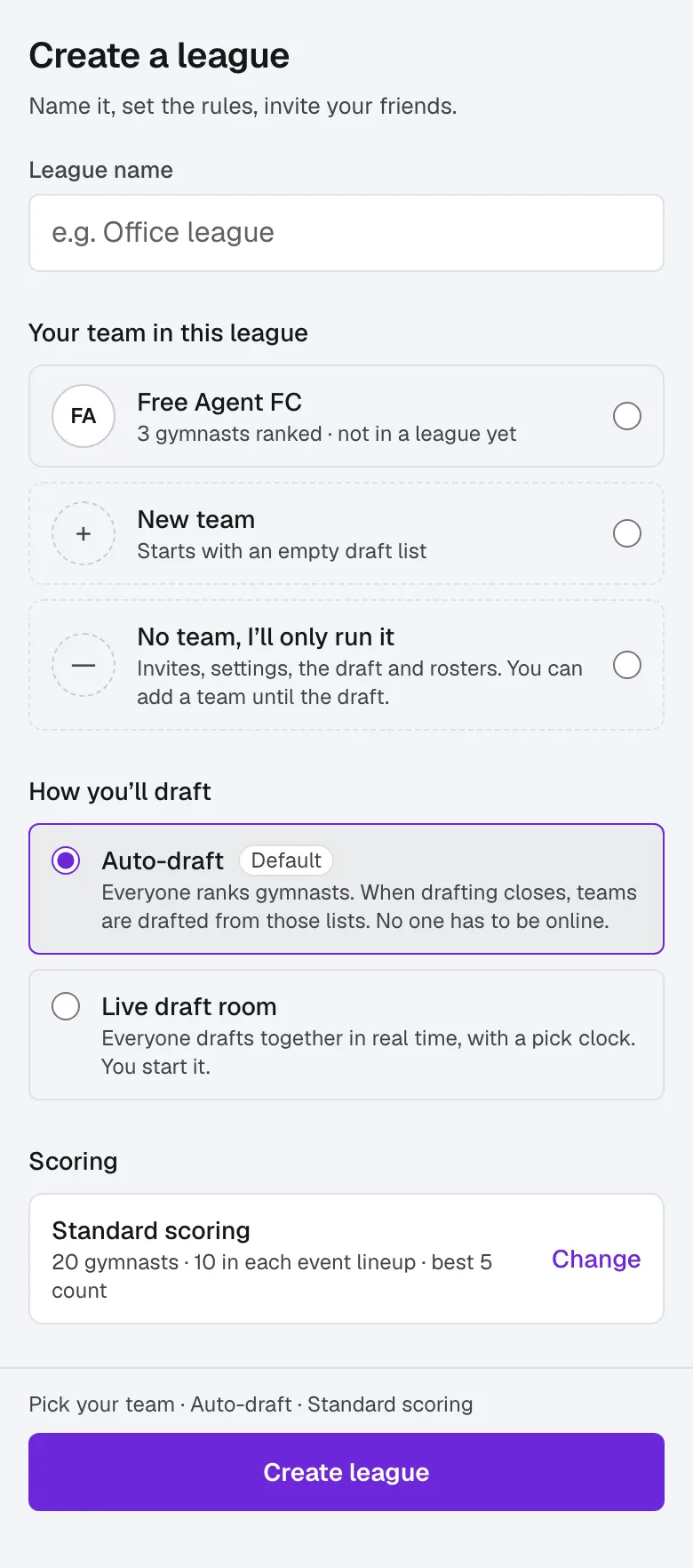
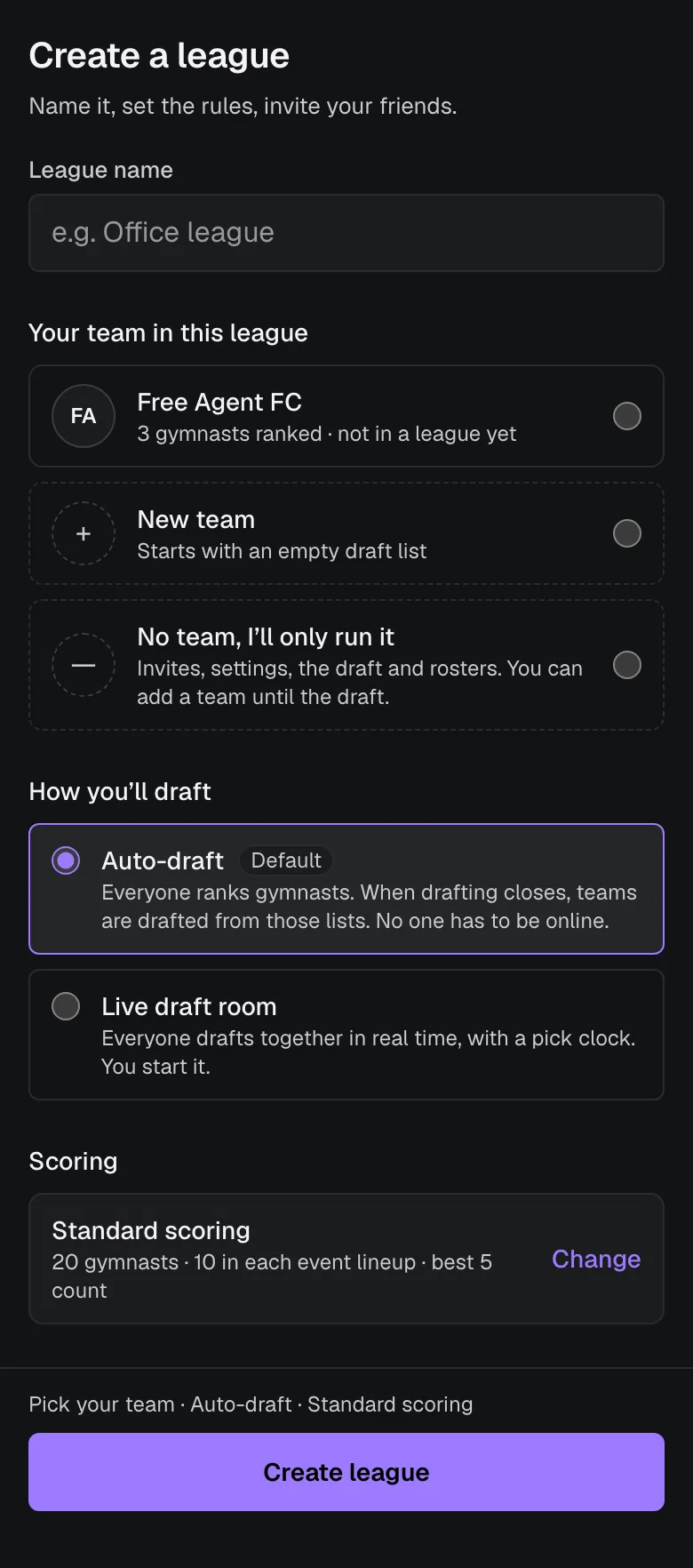
Go to Create a league (sign in first).
- League name, up to 50 characters.
- Your team in this league: a team you already have that isn’t in a league (it moves in with its draft list), New team (name it), or No team, I’ll only run it to be commissioner without a team.
- How you’ll draft: Auto-draft from everyone’s lists, or a Live draft room. A live league can add an Expected start (optional), shown to every member in their own time zone.
- Scoring: Standard scoring is 20 gymnasts, 10 in each event lineup and the best 5 counting. Change opens the roster size, lineup spots, scores counted (next section) and multi-meet weeks.
- Press Create league. You land on the League tab, with your invite link at the top.
A private league drafts from every gymnast. To play with freshmen only, there is no league to create: pick Freshmen only when you start a team, and it is placed in a public Freshmen League when drafting closes (what a Freshmen League is).
Roster and lineup rules
- Roster size (default 20, up to 40): gymnasts per team, and rounds in the draft.
- Lineup spots per event (default 10): how many gymnasts each team puts up on vault, bars, beam and floor each week.
- Scores counted per event (default 5): how many of those scores count toward the team’s total. The best ones count, the rest are dropped, like a real team’s six-up, five-count.
- Multi-meet weeks: Best score counts (the default) or Average of scores. With the first, a gymnast competing twice in a week counts her best meet. With the second, a gymnast competing twice in a week counts the midpoint of her highest and lowest meet.
The three numbers have to fit inside each other: roster size at least the lineup spots, and lineup spots at least the scores counted. The form won’t let them go past that.
Invite people
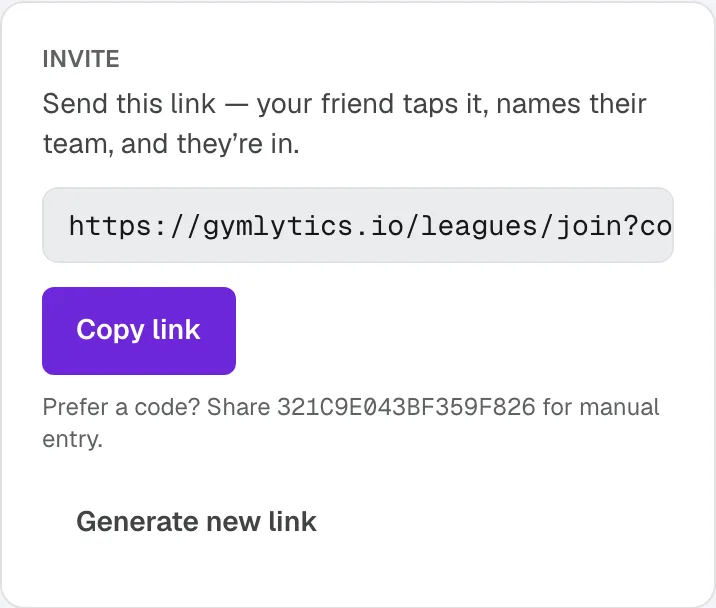
The Invite card on the League tab holds the link. Copy link and send it anywhere; on a phone, Share invite opens the share sheet. Your friend taps it, names their team and is in. There is also a code for typing in by hand.
Generate new link replaces the link if it has gone somewhere it shouldn’t. The current one stops working immediately.
Set up the draft
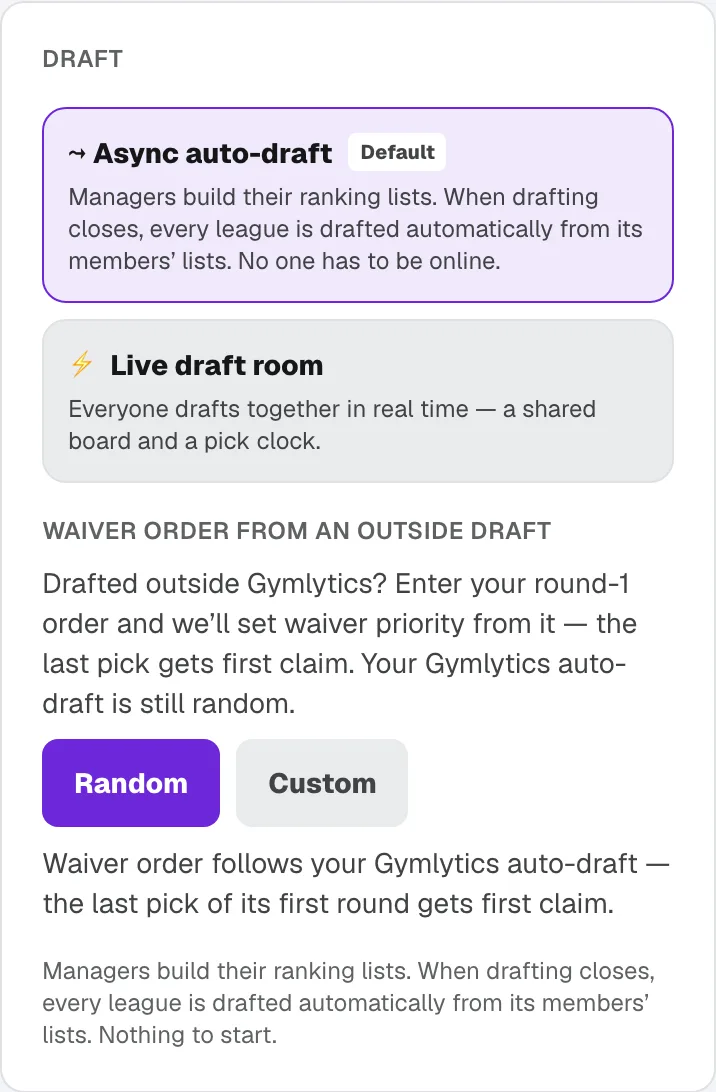
The Draft card on the League tab is where you choose the format. An auto-draft league has nothing else to do: it is drafted when drafting closes.
For a live draft, choose the pace (Timed · a pick clock with 30–120 seconds a pick, or Untimed · next person up) and the order (Random or Custom), then open the lobby and press Start the draft → when everyone is there. The live draft room covers the rest.
Changing things later
- Edit settings on the League tab changes the name and the rules. Roster size locks once a live draft has started.
- Under Members you can make someone else commissioner or remove a team.
- Stop playing keeps you as commissioner without a team. Delete league removes it; every member keeps their team and draft list.